JOURNAL / COMPUTER USE & AGENTS

An agent can use
the interface itself.

Computer-use agents read a screen, choose a control, and act through the same interface a person sees. Each action changes the state the agent has to understand next.

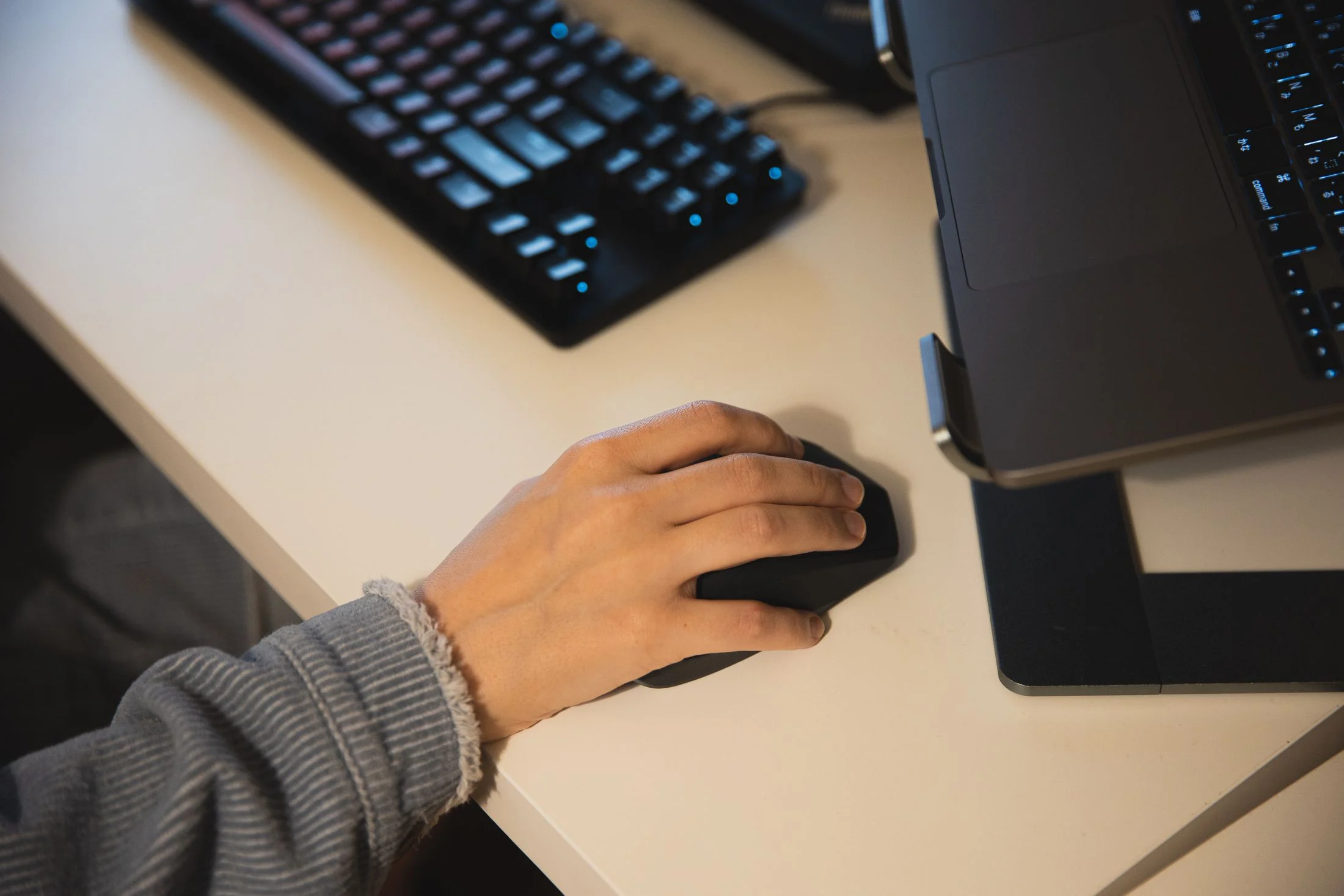
A hand uses a computer mouse beside a laptop and keyboard.INTERACTION / COMPUTER USE / SYMPLOKA
THE INTERFACE BECOMES THE TOOL

Every click depends on what the screen shows.

A computer-use agent observes an interface, acts through its controls, and checks what changed. If the layout or state shifts, the next move has to shift too.

01 / A USER INTERFACE AS AN ENVIRONMENT

It acts through the controls people already use.

A computer-use agent is an agent that can operate a graphical interface: a browser, desktop application, or several programs in sequence. Many systems take screenshots and issue mouse or keyboard actions. Some also use accessibility information, browser structure, or application-specific tools. The exact interface depends on how the system is built.

This differs from calling a stable API. An API accepts defined operations and structured data; a graphical interface exposes rendered controls whose location and state can change. A button can move, a dialog can cover another control, or an application can take time to finish saving. A click is only an attempt. The system still has to observe whether the expected result followed.

Browser agents work inside web pages. Computer-use agents can reach a broader desktop environment, depending on the permissions and tools their runtime provides. The label does not tell you what the agent can access; the runtime does.

For the wider definition of an agent and its action loop, read what an AI agent is ↗.

02 / OBSERVE → ACT → CHECK

The useful unit is a verified state change.

ObserveRead the current screen and identify the active application, visible controls, and important state.
InterpretConnect the screen to the user’s goal, the current step, and the actions the runtime allows.
ActSend a bounded click, keystroke, scroll, or other supported input.
VerifyObserve the new state and check that the requested change actually happened.

The loop can break when a screenshot is stale, a window loses focus, a menu changes, or an action completes asynchronously. Long tasks add another challenge: the agent must carry earlier constraints forward, remember what remains, and recover when an intermediate step fails.

A “done” message is not a completed task. Check the application state the task was meant to change.

03 / WHAT THE BENCHMARKS MEASURE

Computer-use scores depend on the task and the stopping rule.

The OSWorld benchmark evaluates agents in real desktop and web applications. Its original paper defines 369 tasks across computer environments and checks results against the application state. That is more informative than asking a model to describe a screenshot, but it still measures a specific task set, environment, and success condition.

A 2025 OSWorld-Human study, revised in 2026, examined the efficiency of 16 agents against human-annotated task paths. In that benchmark, even the best agent trajectories used 2.7–4.3 times as many steps as the annotated human paths. This is a result about those tasks and trajectories; step counts are not a complete measure of usefulness or safety.

OSWorld 2.0, a 2026 preprint, adds 108 longer workflows. In the paper’s strongest reported setup—Claude Opus 4.8 with maximum thinking and batched tool calls—agents completed 20.6% of tasks under its 500-step completion metric, with a 54.8% partial score. The paper highlights failures involving changing information, hidden application state, constraints that must persist across steps, and missed verification. Those figures describe one preprint’s benchmark setup, not every computer-use system or a universal success rate.

The pattern is useful: basic clicking is only one part of the job. End-to-end reliability also depends on understanding the task, recovering the right state, handling delays, and confirming the final result.

04 / EVALUATE THE WORK, NOT THE DEMO

Record what changed, how long it took, and what needed review.

Build test tasks from the real workflow. Give each one a known starting state, a clear requested outcome, allowed actions, and a way to verify the final state. Include layout changes, missing information, interrupted saves, and cases where the safe response is to stop and ask.

CompletionDid the target record, file, or setting reach the requested state?
EfficiencyHow many actions, retries, and seconds did the task require?
RecoveryDid the agent notice a changed screen or failed action and recover safely?
BoundariesDid it stay within the user’s scope and avoid unrelated changes?
Review effortWhat did a person need to inspect, correct, or approve?

Prefer application state or a purpose-built check when it can verify an outcome directly. A screenshot can show that a confirmation appeared; it may not show whether a remote change was saved or whether a later step reversed it.

For a repeatable test plan, continue with how to evaluate an AI agent ↗ and how to read AI benchmark results ↗.

05 / KEEP ACTIONS NARROW

Choose the safest interface and authority that fit the task.

If a stable, permission-scoped API can perform the work, it is often easier to test than a chain of screen coordinates. Use computer interaction where the interface is the actual workflow or where no suitable structured path exists. Keep access limited to the required application and data, and use a test profile when evaluating actions.

Sending a message, deleting a record, changing account access, or making a purchase can have effects outside the screen. Put approval or another explicit safeguard in the action path before those changes happen. A page that contains instructions cannot grant new authority, and a model’s refusal after the fact cannot undo an action already sent.

Read why permissions belong at the tool boundary ↗ and how to make an agent’s work reviewable ↗.

PRIMARY RESEARCHTianbao Xie et al., “OSWorld: Benchmarking Multimodal Agents for Open-Ended Tasks in Real Computer Environments” (2024) ↗Reyna Abhyankar, Qi Qi, and Yiying Zhang, “OSWorld-Human: Benchmarking the Efficiency of Computer-Use Agents” (2025 preprint; revised 2026) ↗Mengqi Yuan et al., “OSWorld 2.0: Benchmarking Computer Use Agents on Long-Horizon Real-World Tasks” (2026 preprint) ↗