JOURNAL / VISUAL EVIDENCE

A picture has a story.
Follow the evidence.

There is no reliable shortcut from “looks real” to “is real.” Check where an image came from, what its provenance records, and whether independent evidence supports the claim attached to it.

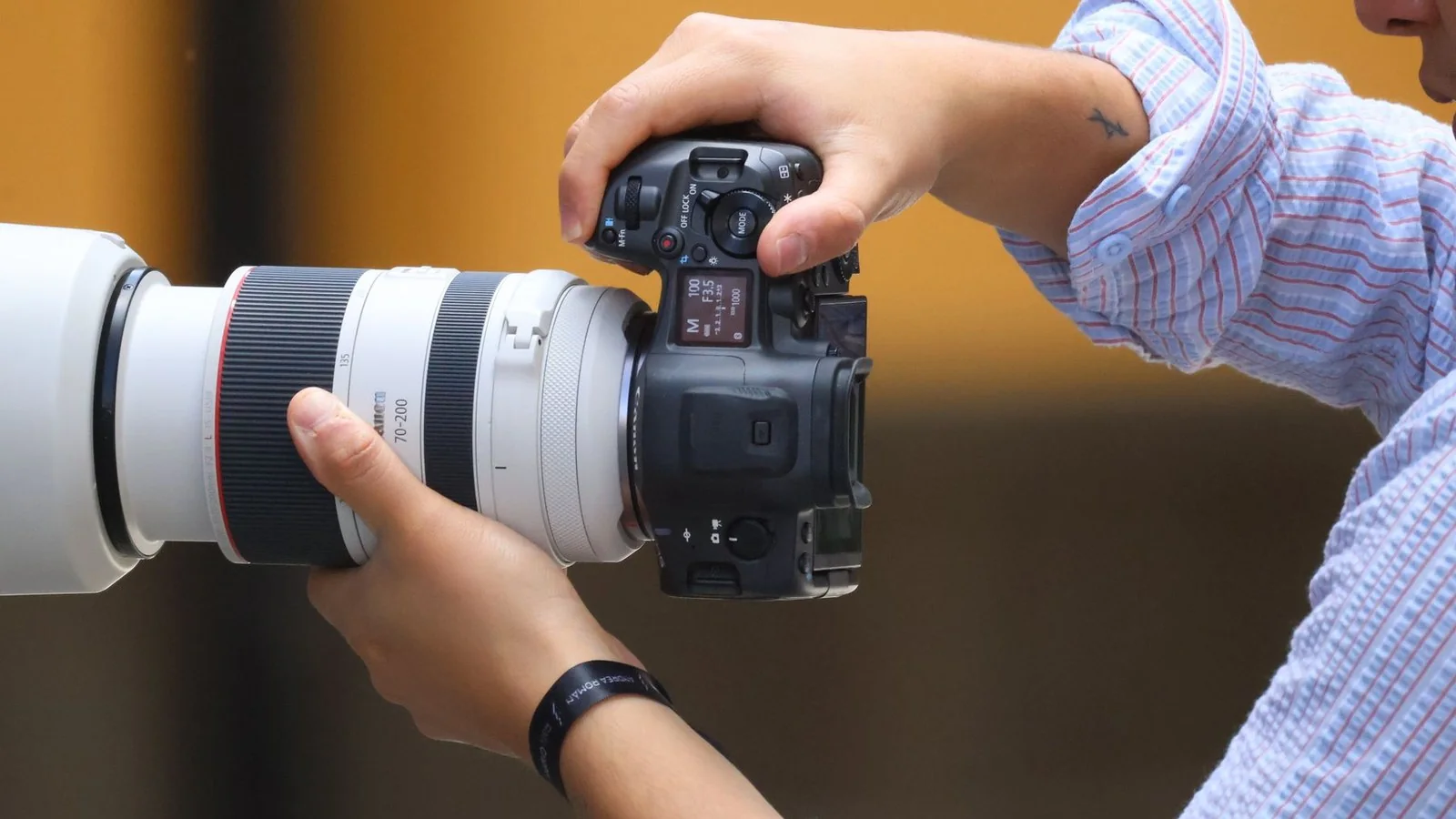
A photographer holds a camera with a long lens.VISUAL EVIDENCE / VERIFICATION / SYMPLOKA
A FILE IS NOT A SOURCE

Trace the picture back to its first telling.

A detector may offer a clue. Provenance, source, and context give you a trail you can inspect.

01 / ASK TWO DIFFERENT QUESTIONS

How was the image made—and what does it show?

“Is this image fake?” combines at least two questions. The first is about origin: was the file captured by a camera, generated, or edited with AI? The second is about evidence: does the image really support the event, place, date, or person claimed in its caption?

A camera photograph can be genuine and still appear in a misleading context. An AI-generated illustration can be clearly labelled and used without deception. Finding an edit does not tell you by itself whether the underlying claim is true or false.

Keep origin and truth separate as you investigate. A provenance record can describe a file’s history; other evidence must support the story being told about it.

02 / TRACE THE SOURCE

Find the earliest credible copy, not just another repost.

  1. Save the post or page URL, account name, publication time, and the exact claim attached to the image.
  2. Use a visual search such as Google Lens ↗ to look for earlier appearances, alternate crops, and source pages. A match helps trace circulation; it does not authenticate the scene.
  3. Open the original publisher, photographer, institution, or first-person source when you can. Compare the whole image, caption, date, and location.
  4. Check the event against independent reporting, public records, or another primary source that could confirm or contradict the claim.
  5. Keep differences visible: a crop, caption change, or older image may explain why reposts tell different stories.

Do not infer a location from one visual detail or treat matching reposts as independent confirmation. Several accounts may all be repeating the same original claim.

03 / CHECK PROVENANCE SIGNALS

Content Credentials can record a file’s history.

C2PA Content Credentials can carry signed provenance statements about an asset’s origin, edits, and use of AI. A compatible verifier checks whether the credential is associated with the file and whether its signed record has been tampered with.

Inspect Content Credentials with the C2PA verifier ↗

That is evidence about the recorded history, not a verdict on whether the image is accurate or honestly presented. Credentials are optional, and image processing or sharing can separate or remove them. No credential does not mean an image was made with AI; a valid credential does not prove its caption is true.

For a closer look at what a valid credential establishes—and what it does not—read the C2PA provenance guide ↗.

OpenAI’s verifier is narrower still: it checks for supported OpenAI provenance signals such as C2PA credentials and SynthID. Its documentation says a result with no detected signal does not rule out AI generation, including generation by another provider. Treat it as one provider-specific check, not a universal image detector.

Check an image for supported OpenAI signals ↗

04 / TREAT DETECTORS AS CLUES

A percentage from a detector is not a provenance record.

AI-image detectors estimate whether an image resembles material they were built to recognize. Their result depends on the detector, its training data, and the file it receives. Cropping, re-saving, compression, screenshots, or a different generation method can change that input.

A 2025 research preprint tested 17 detectors and 10 vision-language models across varied real-world scenarios, social-media transmission, and re-digitized images. The authors reported limits under these conditions. That study is a warning to evaluate detector results in context, not a measurement of every current tool or a proof that every detector always fails.

If you use a detector, record its name and the original file checked. Do not turn a model’s confidence score into a claim about a person, a news event, or an image’s truth. Read a benchmark with its conditions in view ↗

05 / WRITE DOWN WHAT YOU FOUND

Make the verification trail easy for someone else to check.

For a consequential image, keep a short record instead of a bare “AI” or “real” label:

Claim attached to the image:
Original file or post:
Earliest source located:
Credential check: [tool, issuer, result]
Independent evidence:
What remains uncertain:
Conclusion: [supported / uncertain / contradicted]

Keep exact URLs and publication times. If a checker requires you to upload a file, consider whether the image is private or sensitive and review the service’s terms first. Report what the checks support—and where they stop.

STANDARDS, RESEARCH & IMPLEMENTATIONC2PA: Content Credentials explainer and consumer FAQ ↗Google Search Help: Search with an image ↗OpenAI API: Content provenance and verification limits ↗NIST AI 100-4: Technical approaches to synthetic content transparency ↗Li et al., Benchmarking AI-Generated Image Detection in Challenging Scenarios (2025 preprint) ↗C2PA Rust SDK on GitHub ↗